Google Business Profile Optimization: Step-by-Step Guide
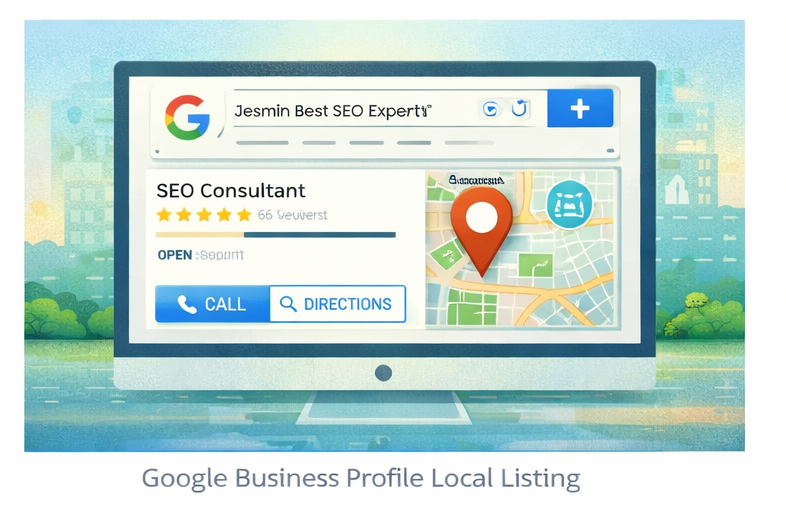
Google Business Profile optimization helps local businesses appear in Google Search and Google Maps when customers look for nearby services. A properly optimized profile increases visibility, builds trust, and encourages more phone calls, website visits, and direction requests.
Today, many people search for businesses directly from their smartphones. Because users want quick answers, they often choose companies that appear in the local search results. Therefore, improving your business profile helps your company attract more local customers.
This guide explains how to optimize your profile step by step so your business can appear more often in local searches.
What Is Google Business Profile?
Google Business Profile is a free tool that allows businesses to manage how they appear in Google Search and Maps. It displays important information such as:
-
Business name
-
Address
-
Phone number
-
Opening hours
-
Reviews
-
Photos
When someone searches for a nearby service, Google may show a local map pack with businesses that match the query. Profiles that are complete and well-optimized are more likely to appear in these results.
Why Optimization Matters for Local Businesses
A well-optimized profile improves visibility and helps customers contact your business quickly. In addition, accurate information builds trust with potential clients.
Optimization helps businesses:
-
Appear in local search results
-
Increase website visits
-
Generate phone calls
-
Improve customer trust
If you want professional support, explore our
Local SEO service.
Step-by-Step Google Business Profile Optimization
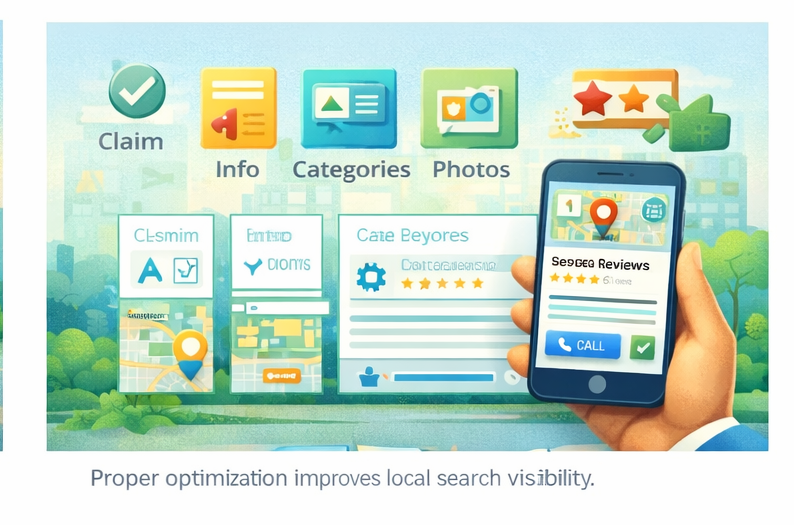
Step 1: Claim and Verify Your Profile
First, claim your business listing through Google. Verification confirms that you are the real owner.
Verification usually happens through:
-
Postcard verification
-
Phone verification
-
Email verification
Once verified, you can manage and update your business information.
Step 2: Add Accurate Business Information
Next, fill out all important business details. Accuracy helps search engines understand your company.
Important information includes:
-
Business name
-
Address
-
Phone number
-
Website
-
Business category
Make sure this information matches your website and other online listings.
Step 3: Choose the Right Business Categories
Categories tell Google what your business offers. Choosing the correct category helps the algorithm match your business with relevant searches.
For example:
-
SEO consultant
-
Digital marketing agency
-
Local SEO service
Selecting accurate categories increases your chances of appearing in relevant searches.
Step 4: Write a Clear Business Description
Your business description explains what your company does and how it helps customers. Keep the description clear and informative.
Include:
-
Your main services
-
Your target audience
-
Your experience or expertise
Avoid repeating keywords excessively. Instead, focus on explaining your services naturally.
You can also explore our
SEO services
to improve overall search visibility.
Step 5: Upload High-Quality Photos
Photos help customers understand your business and increase engagement. Profiles with images often receive more clicks and interactions.
Useful images include:
-
Office or workspace photos
-
Team photos
-
Service demonstrations
-
Logo and branding images
Because visuals build trust, adding real photos improves credibility.
Step 6: Collect and Manage Customer Reviews
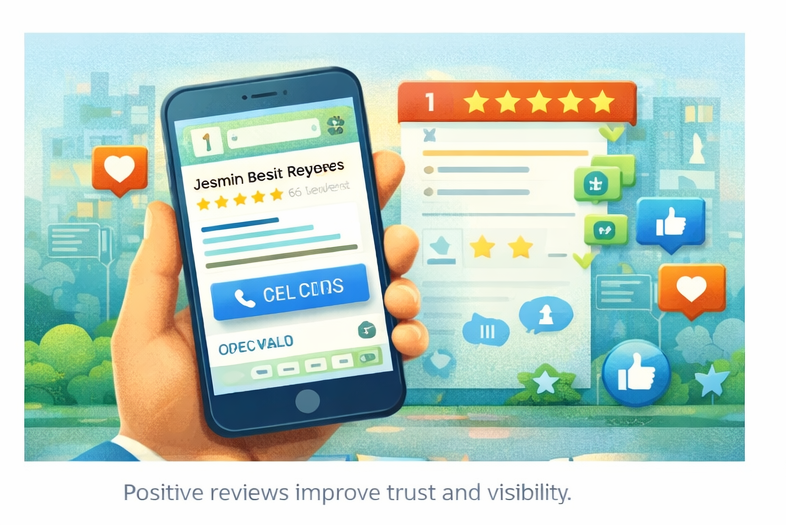
Customer reviews strongly influence local search rankings. Positive feedback also encourages new customers to contact your business.
Encourage satisfied customers to leave reviews. When possible, respond to reviews politely and professionally.
Reviews help businesses:
-
Build credibility
-
Improve visibility
-
Increase customer confidence
Moz explains the importance of reviews here
Step 7: Add Business Updates and Posts
Google Business Profile allows businesses to publish updates. These posts appear in your profile and provide fresh content.
Examples include:
-
Service updates
-
Special offers
-
New announcements
-
Helpful tips
Regular updates show that your business is active and engaged.
Step 8: Enable Messaging and Contact Options
Many users prefer contacting businesses directly from search results. Therefore, enabling messaging or call options improves accessibility.
Ensure your profile includes:
-
Call button
-
Website link
-
Direction option
Because customers want quick communication, easy contact options increase conversions.
Step 9: Monitor Performance Insights
Google Business Profile provides insights that show how customers find and interact with your listing.
You can track:
-
Search views
-
Phone calls
-
Direction requests
-
Website clicks
These insights help businesses improve their local marketing strategy.
If you want a deeper analysis, request a
Free SEO Audit
to identify growth opportunities.
Common Mistakes to Avoid
Many businesses overlook simple improvements. Avoid these mistakes:
-
Incomplete business profiles
-
Incorrect contact details
-
Low-quality photos
-
Ignoring customer reviews
Because accuracy and consistency matter, updating your profile regularly improves performance.

Final Thoughts
Google Business Profile optimization helps businesses improve visibility in local search results. By completing your profile, managing reviews, and adding useful updates, you can attract more customers and generate more enquiries.
Because many customers rely on local search to find services, optimizing your profile remains one of the most effective ways to grow your business online.